Your Financial Freedom Starts Here
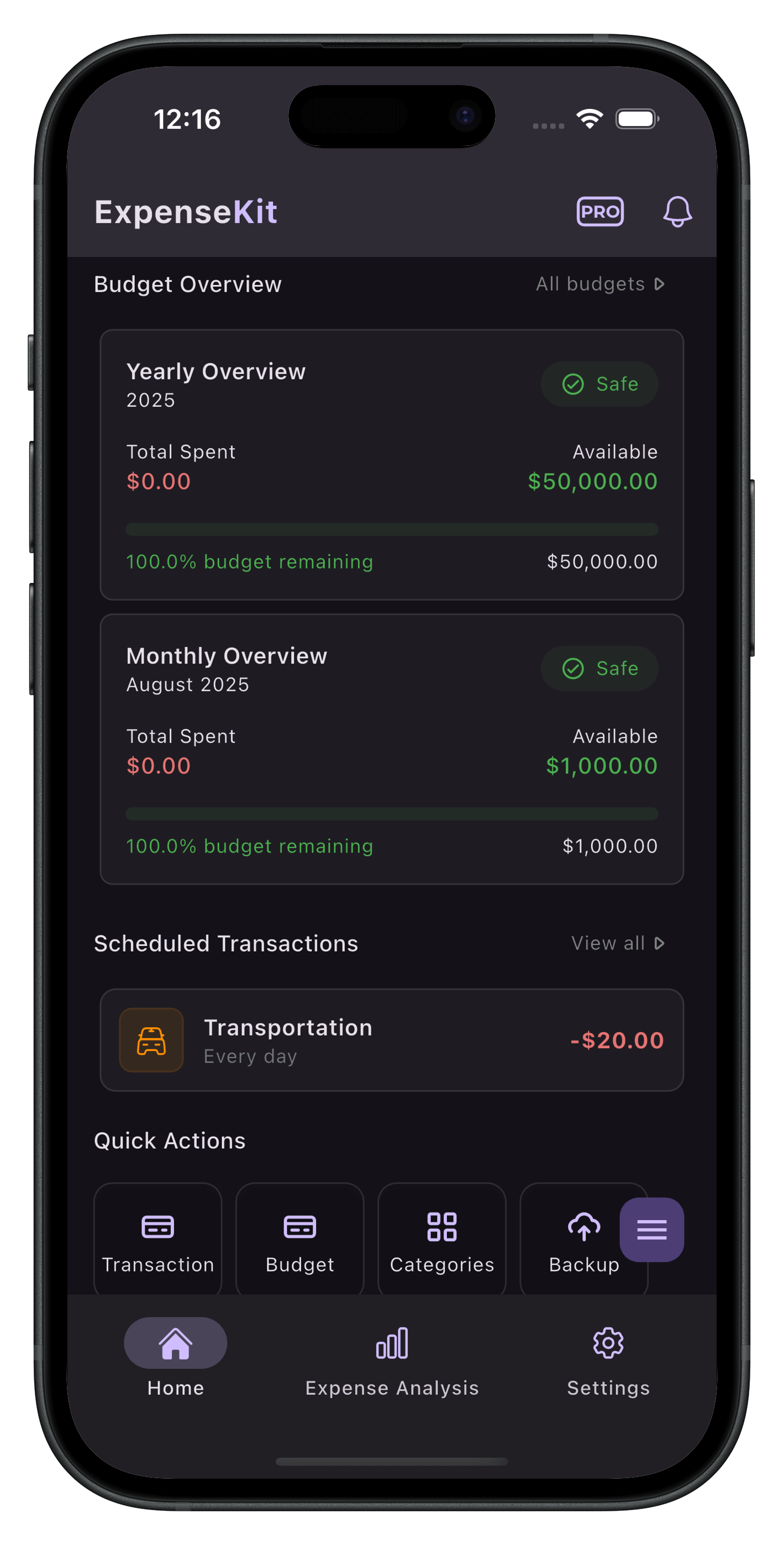
Track your expenses, set smart budgets, and get AI-powered insights to understand where your money goes. Automate your spending log and start saving today.


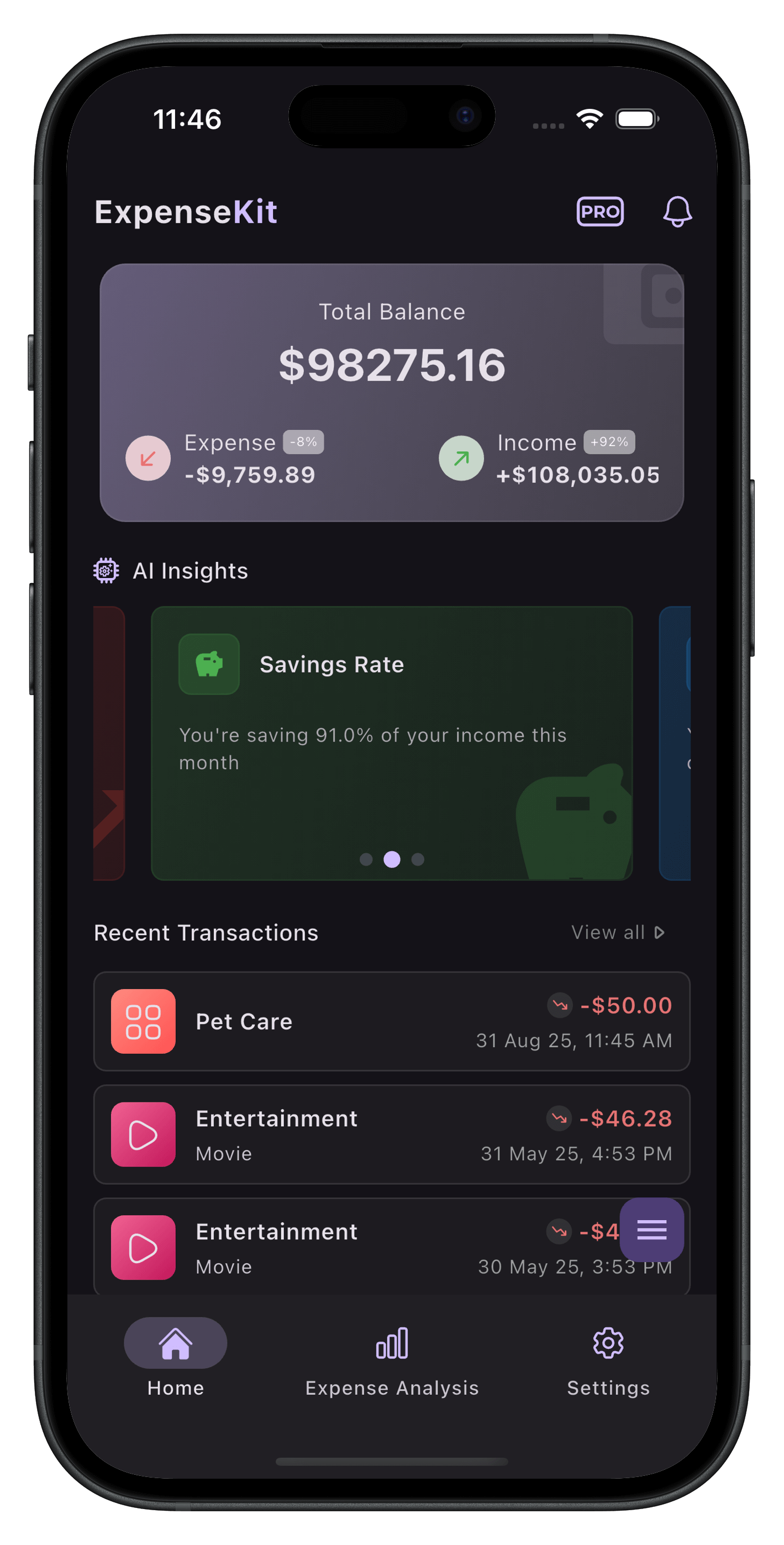
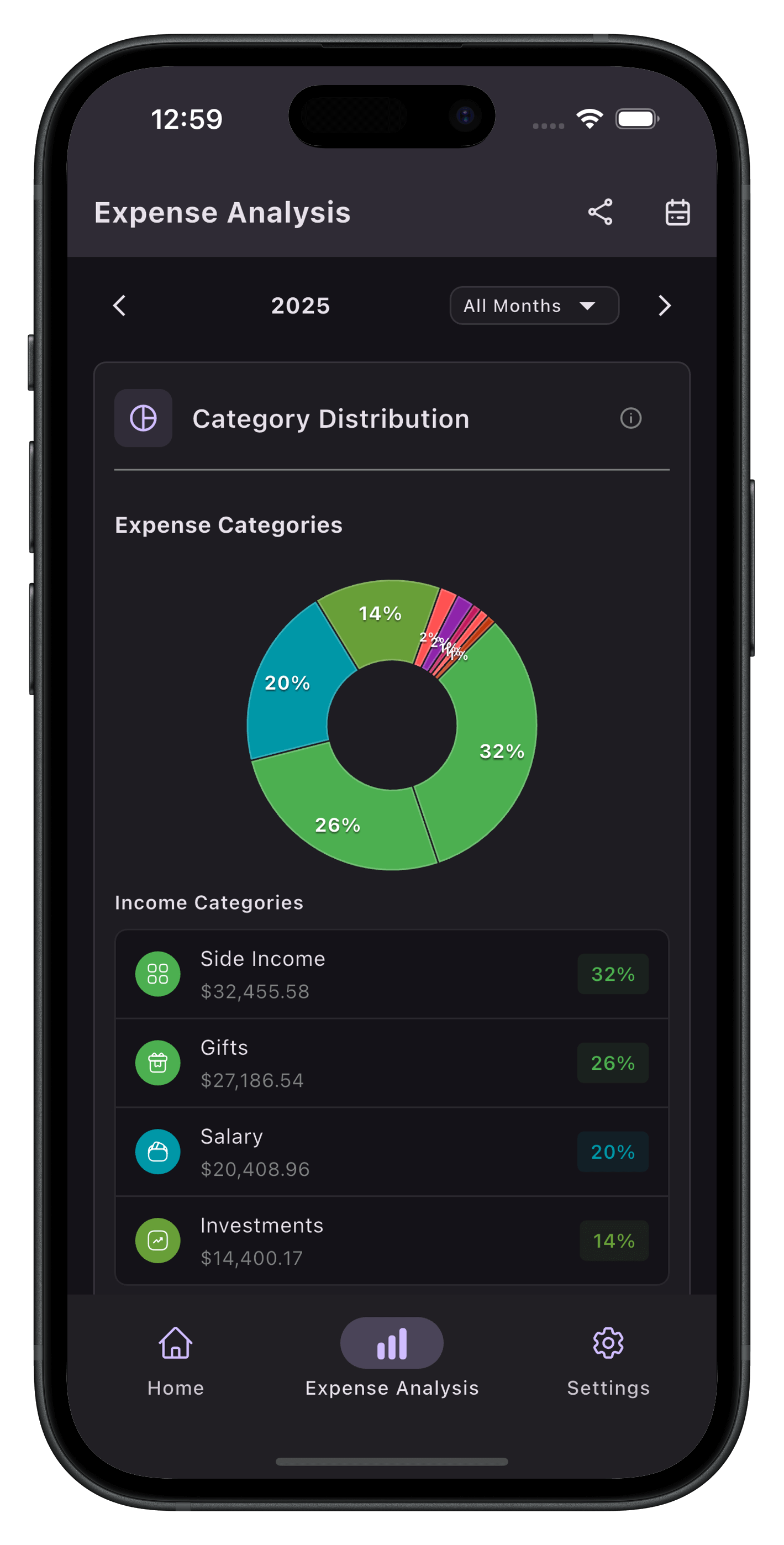
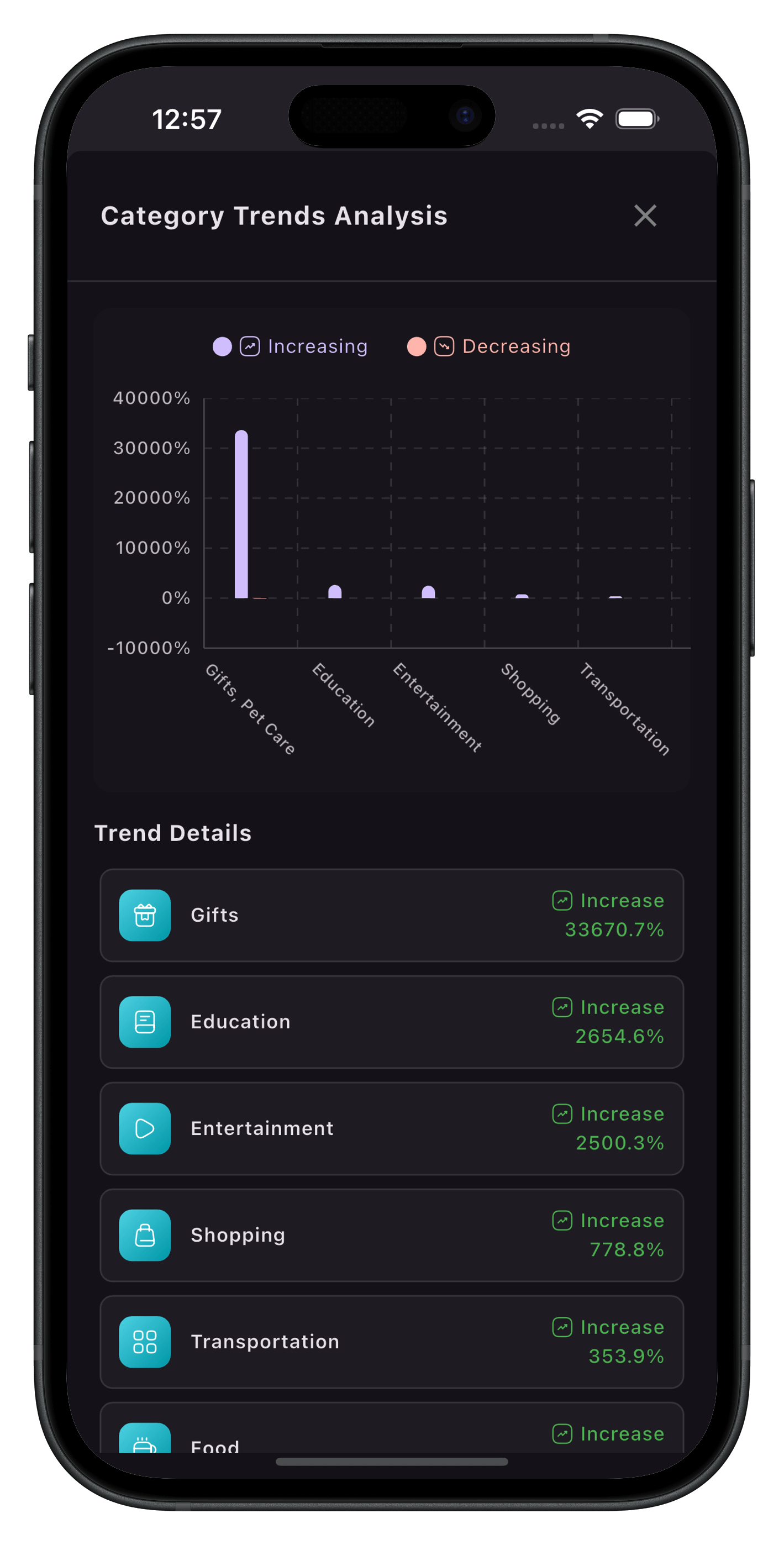
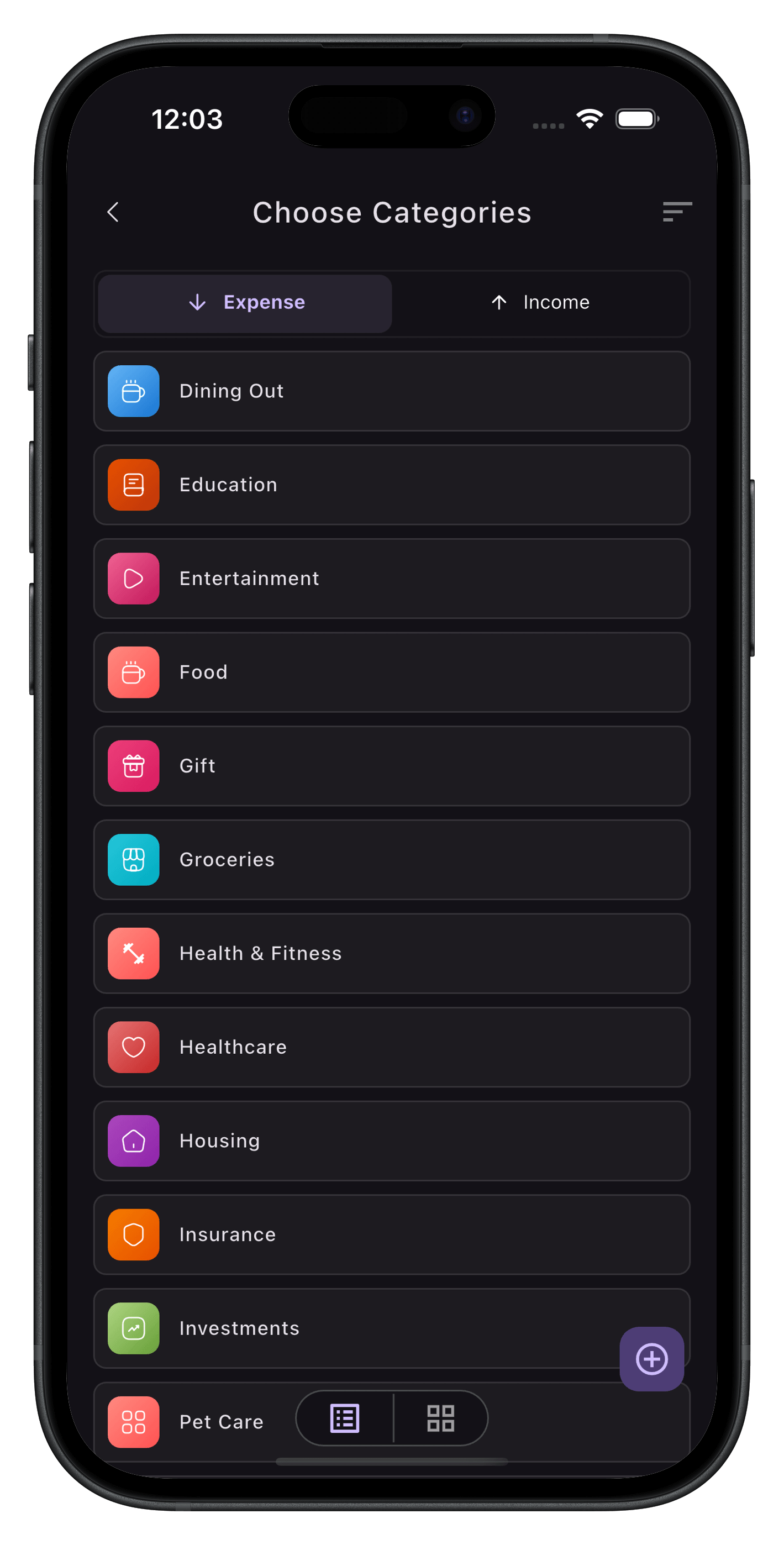
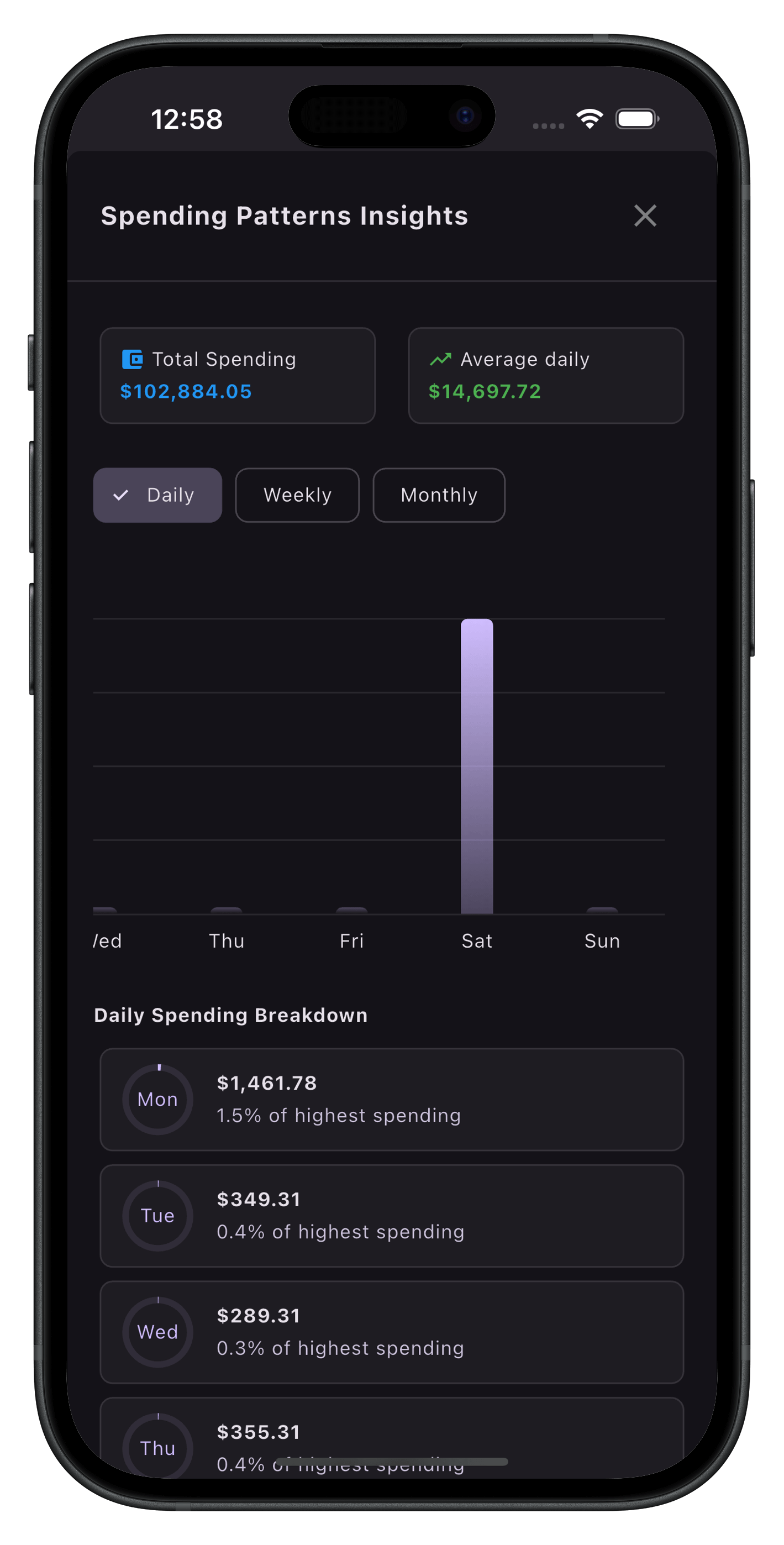
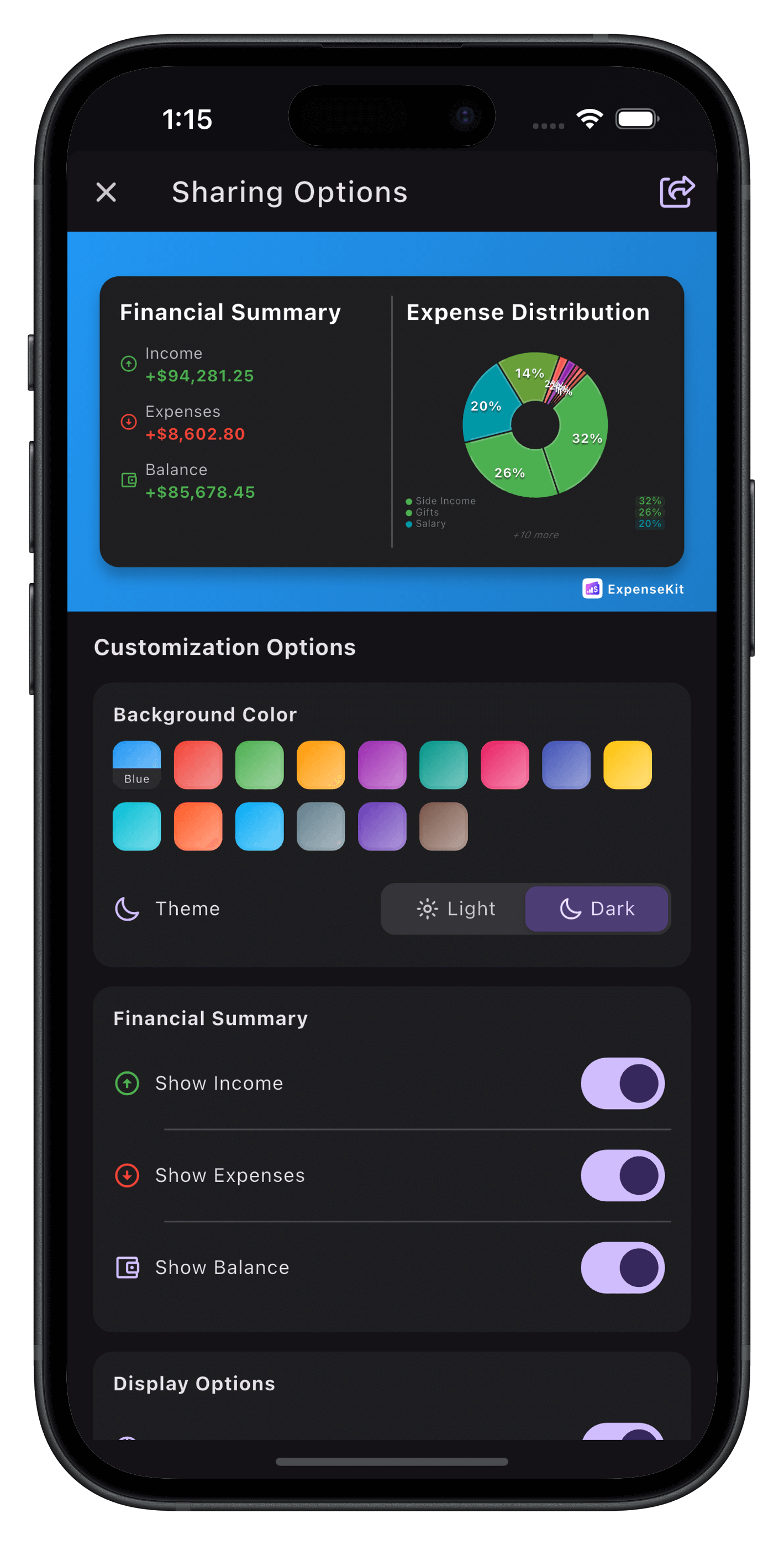
App Customization
Personalize your experience with themes and layouts
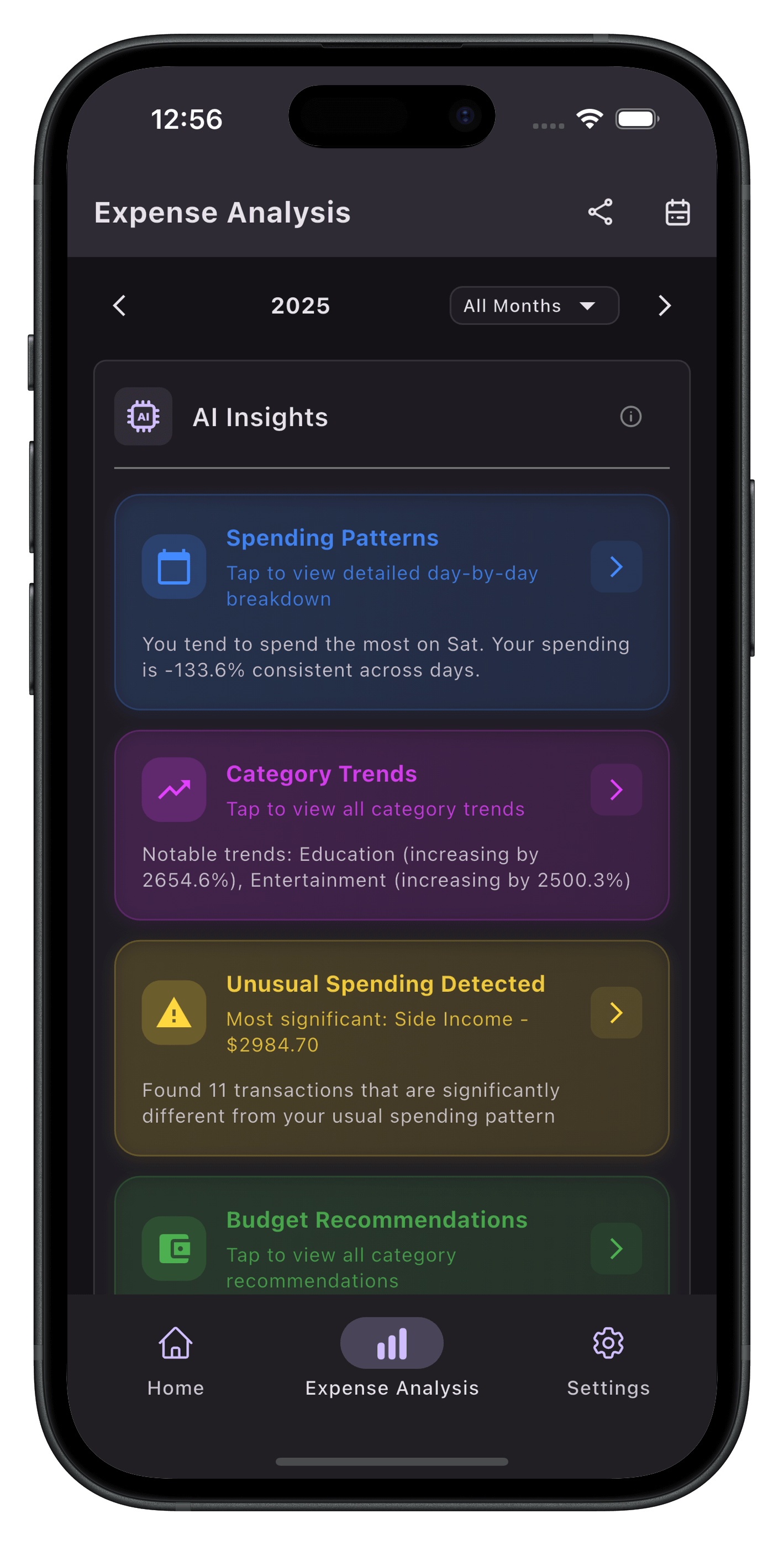
Advanced AI Analysis
Get smart insights about your spending habits
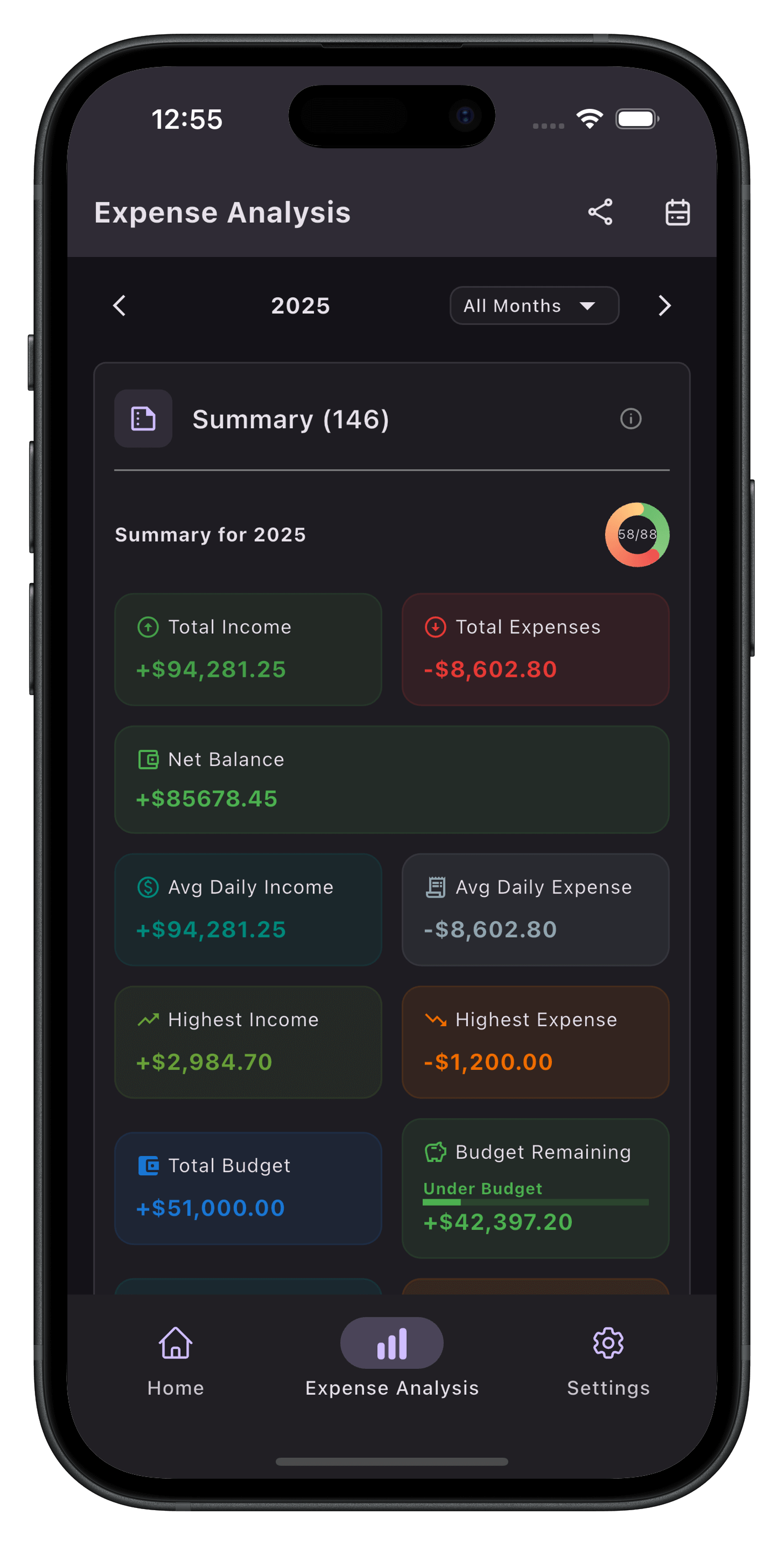
Advanced Charts
Visualize your finances with interactive charts
Export Data
CSV, XLSX, PDF formats supported
Import Data
Easily import XLSX and CSV files
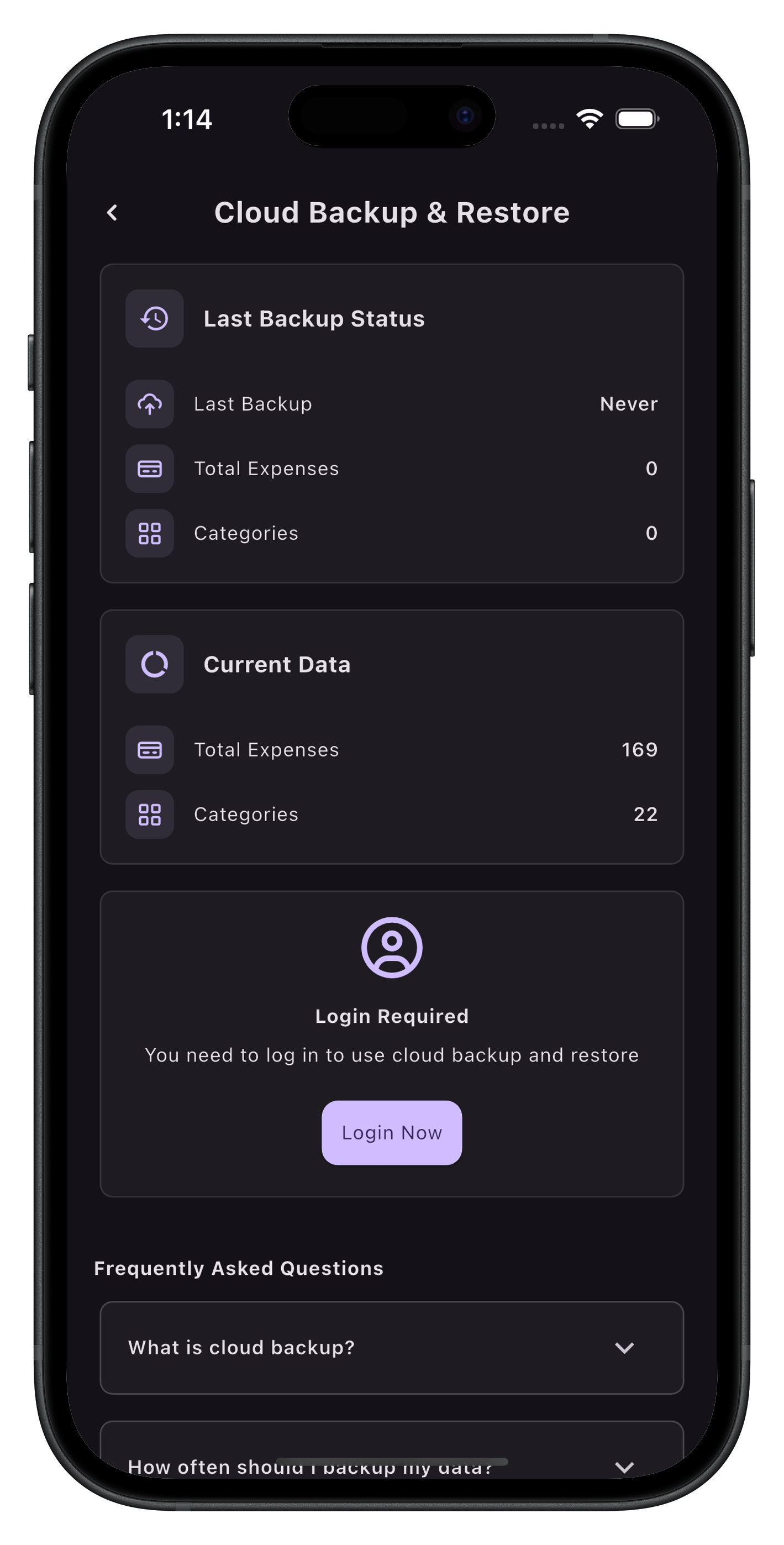
Cloud Backup & Sync
Access your data across all devices
Schedule Transactions
Plan and get reminders for upcoming bills
Privacy First
Your financial data stays private and secure
Frequently Asked Questions
How does ExpenseKit provide AI insights?
ExpenseKit uses advanced AI technology to analyze your spending patterns and provide personalized insights. The AI learns from your transaction history to offer smart recommendations, identify spending trends, and help you make better financial decisions.
How accurate are the AI spending insights?
Our AI analyzes your spending patterns over time to provide highly accurate insights. The more you use the app, the better the AI becomes at understanding your financial habits and providing personalized recommendations.
Is my financial data secure?
Yes, ExpenseKit follows privacy-first principles. Your financial data is encrypted and stored securely. We don't share your personal information with third parties, and you have full control over your data.
Can I sync my data across multiple devices?
Yes! ExpenseKit offers lifetime cloud backup, allowing you to access your expense data across all your devices seamlessly. You can manage backup and restore data seamlessly.
What file formats can I export my data to?
ExpenseKit supports exporting your expense data to multiple formats including CSV, XLSX, and PDF. This makes it easy to share reports or import data into other financial tools.
Does ExpenseKit work offline?
Yes, ExpenseKit works offline! You can add expenses, view your data, and use most features without an internet connection.
Ready to Get Started?
Join thousands of users who have already transformed their workflow.